 OBJECTS AND LIBRARIES /
ELECTRICAL WIRING DEVICES 1.7 /
GOST PACK — ELECTRICAL WIRING DEVICES 1.7
OBJECTS AND LIBRARIES /
ELECTRICAL WIRING DEVICES 1.7 /
GOST PACK — ELECTRICAL WIRING DEVICES 1.7





- Publication : January 19, 2026
- Data type : Win, macOS .zip-archive with .lcf-container/Archicad 22—29
- License : Commercial
GOST Pack — Electrical Wiring Devices 1.7



General description
Standards of the CIS countries that use GOST SNiP standards are also included in the IEC pack.
- Names of Wiring Devices and their graphical representations (Symbols) based on the GOST 21.210 standard1. General view of a configurable symbol set: switches, dimmers, changeover switches, certain types of power and telecommunication sockets
 ,
,
indication of the number of poles , text
  ,
,
other equipment and devices , indicator (luminaire, lamp,
LED backlight) Electrical symbols of group G
-
Enclosure classification according to the IP rating based on the GOST 14254 standard2
-
The pack includes the following standard types of power socket connectors: Types of Two-Pole Power Sockets
C
 F
F

Mechanisms and Names
The index identifies the mechanism regardless of its name. It links the corresponding interface output, symbol assignment, part numbers, and pricing for the mechanisms. It is also used to assign the device within the enclosure when configuring Product parameters via Data Tables.
By default, the names listed in the table on the “Mechanism Names” tab are used. If it is necessary to switch the names to standard electrical terminology, household (commercial) terminology, more detailed names, or names in another language, the Wiring Devices object provides a feature for batch renaming of all mechanisms using a list file.
Electrical Symbols
Symbols in the context of the GDLfragments Wiring Devices 1.7 library are a group of .gsm files that the user assigns to each mechanism or device as a general symbol. Depending on the selected mechanism, the “Electrical Wiring Device” object places the corresponding symbols on the plan. Mechanisms can use two symbols: for surface-mounted, and for flush-mounted installations. The switching occurs automatically based on the selected installation type. For convenience, the Symbol Sets by kit and the symbol file index matching tables are provided below, which should be considered when configuring your own symbol sets.
Group G: electrical symbols based on GOST 21.210
Graphical symbols comply with the requirements of GOST 21.210—2014
“System of Design Documentation for Construction. Conventional graphical symbols of electrical equipment and wiring on plans”
“System of Design Documentation for Construction. Conventional graphical symbols of electrical equipment and wiring on plans”
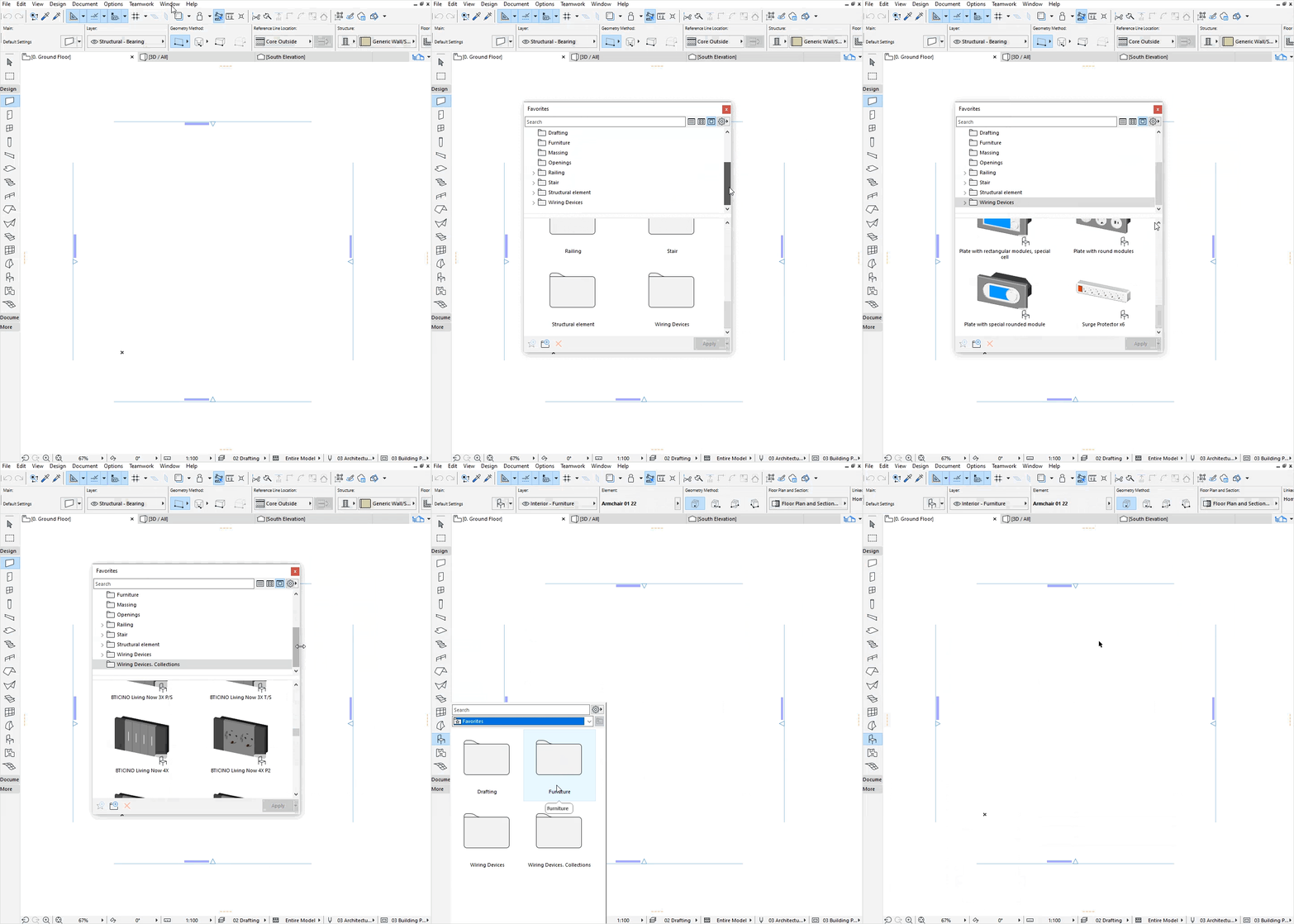
Favorites
SHOW / HIDE HELP
For correct loading, display, and operation of the specified Favorites sets, the Wiring Devices object must be included in the Project’s loaded libraries.
Previous versions of the library: Electroblock 1.6
Comments
Discussion, bugs, feature requests.
-
GOST 21.210 — 2014 System of design documentation for construction. Conventional graphical symbols of electrical equipment and wiring on plans GOST 21.210-2014 ↩︎
-
GOST 14254 Wikipedia: IEC:IP Code , Wikipedia:IP (Ingress Protection code) ↩︎